TikTok Dropshipping, Ready for the Next Order

Build a TikTok dropshipping business with less repetitive work behind every sale. Connect TikTok Shop to DSers to research products, prepare listings, process orders in batches, and sync tracking numbers back to your shop. Give your content the attention it needs while keeping daily order operations organized.

Get Started
A creator films a makeup brush demonstration beside a brush set and shipping supplies.

What Is TikTok Shop Dropshipping?

TikTok Shop dropshipping lets you sell through TikTok Shop while suppliers ship products to your customers. You choose the products and run the shop; suppliers handle physical dispatch. DSers connects your shop with sourcing and order management tools, bringing product preparation, supplier orders, and tracking into one workflow.

This integration is for sellers using TikTok Shop checkout. If your videos send shoppers to a separate online store, that store needs its own connection to DSers.

From Product Discovery to Order Follow-Through

01 / Discover

Discover Product Ideas from TikTok Ads

Explore products featured in TikTok ads without relying on what appears in your own feed. DSers lets you filter ads by region and industry, then compare likes, comments, and shares to see which products attract attention.

Review reference prices and AliExpress supplier costs alongside those engagement signals to narrow your shortlist. This gives you more context when choosing products to test in your TikTok Shop.
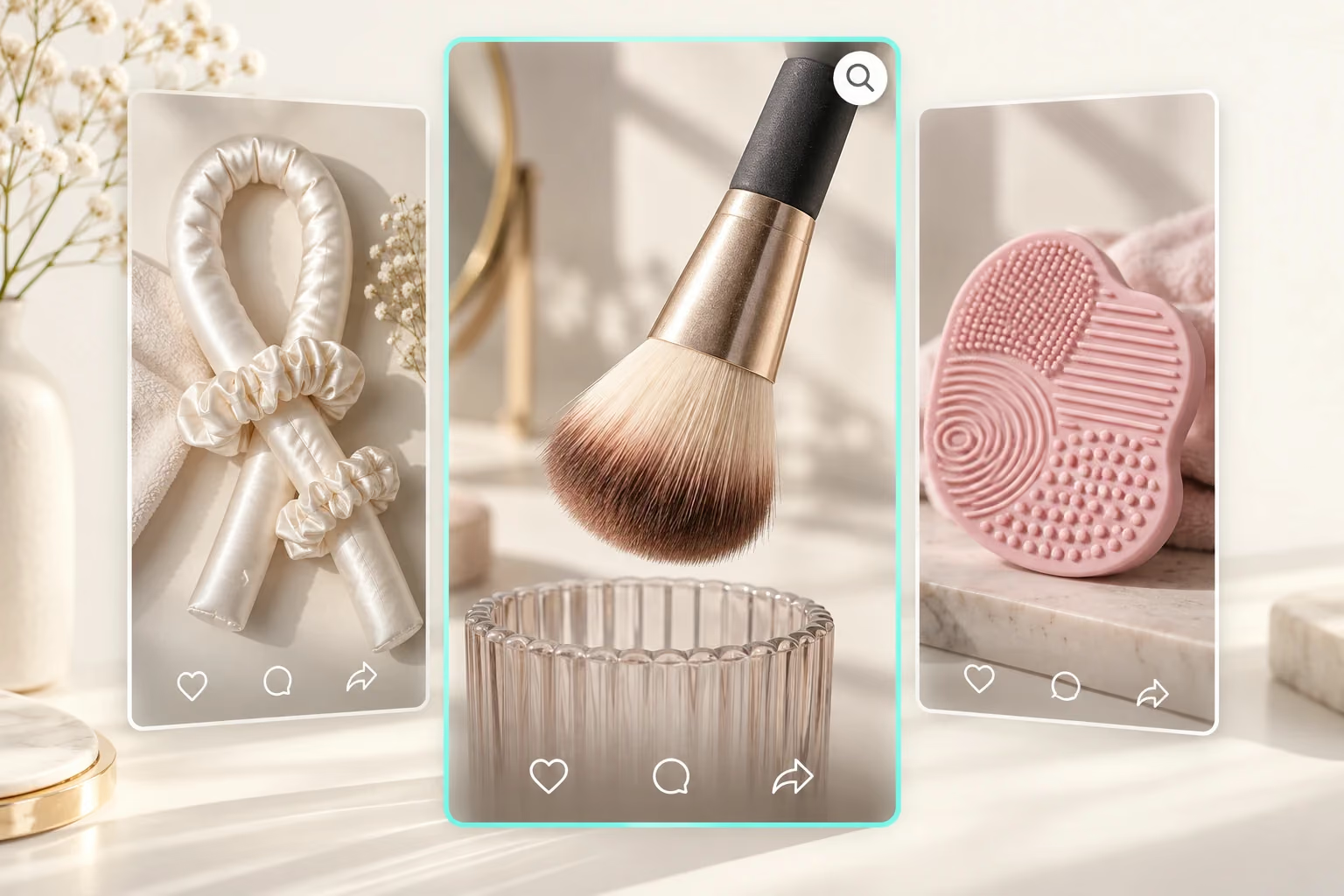
Three beauty product video concepts illustrate comparing product ideas and engagement.

02 / Fulfill

More Orders, Less Repetitive Work

A successful TikTok video can bring a wave of orders. Placing a separate supplier order for every customer adds repetitive work just when your shop gets busy.

DSers syncs your TikTok Shop orders and lets you place multiple AliExpress orders in one batch. This reduces the work of ordering one by one, giving you more time to respond to customers and create your next video.

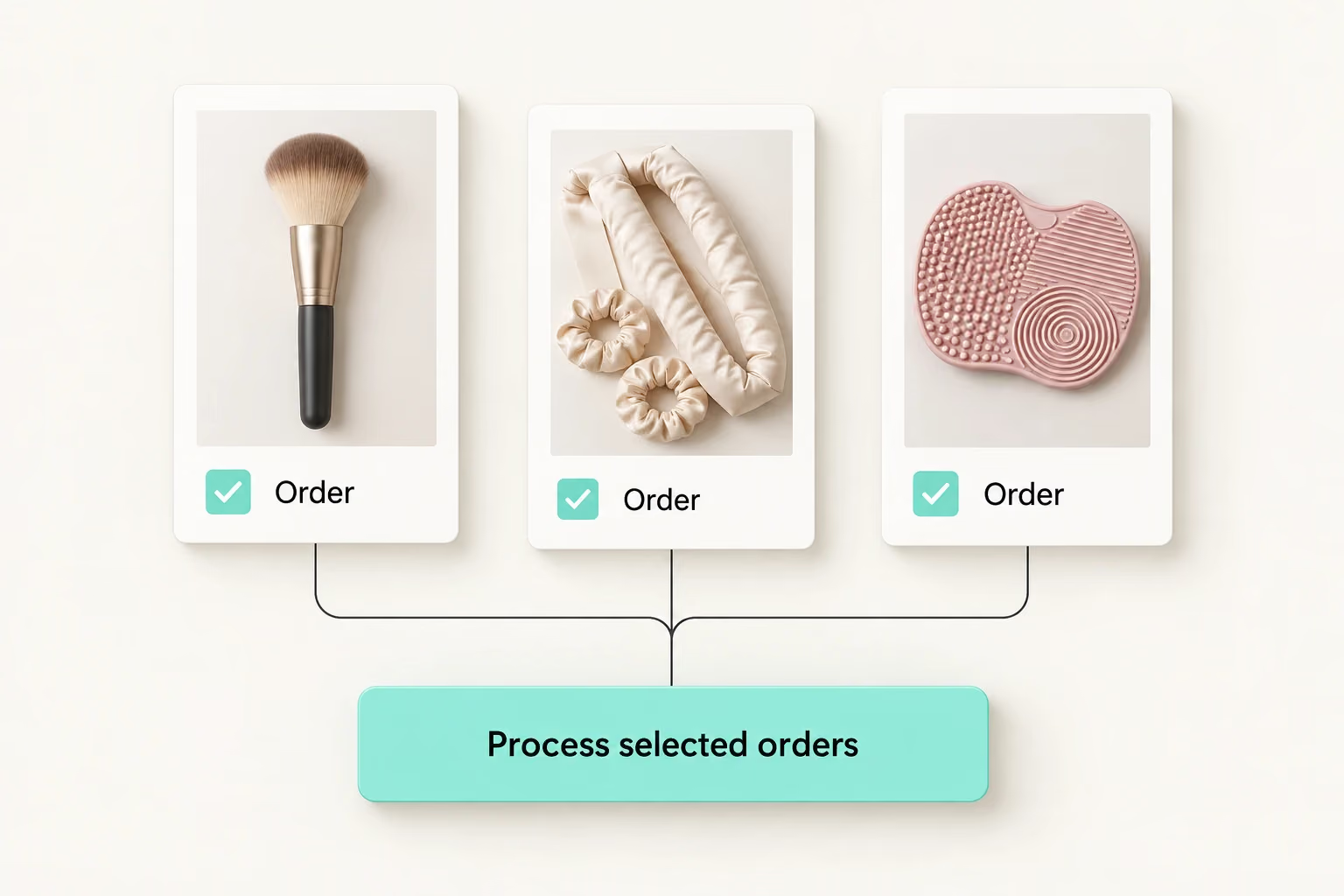
Selected beauty product orders are grouped under one processing action.

03 / Track

Track: Keep Shipping Updates Connected

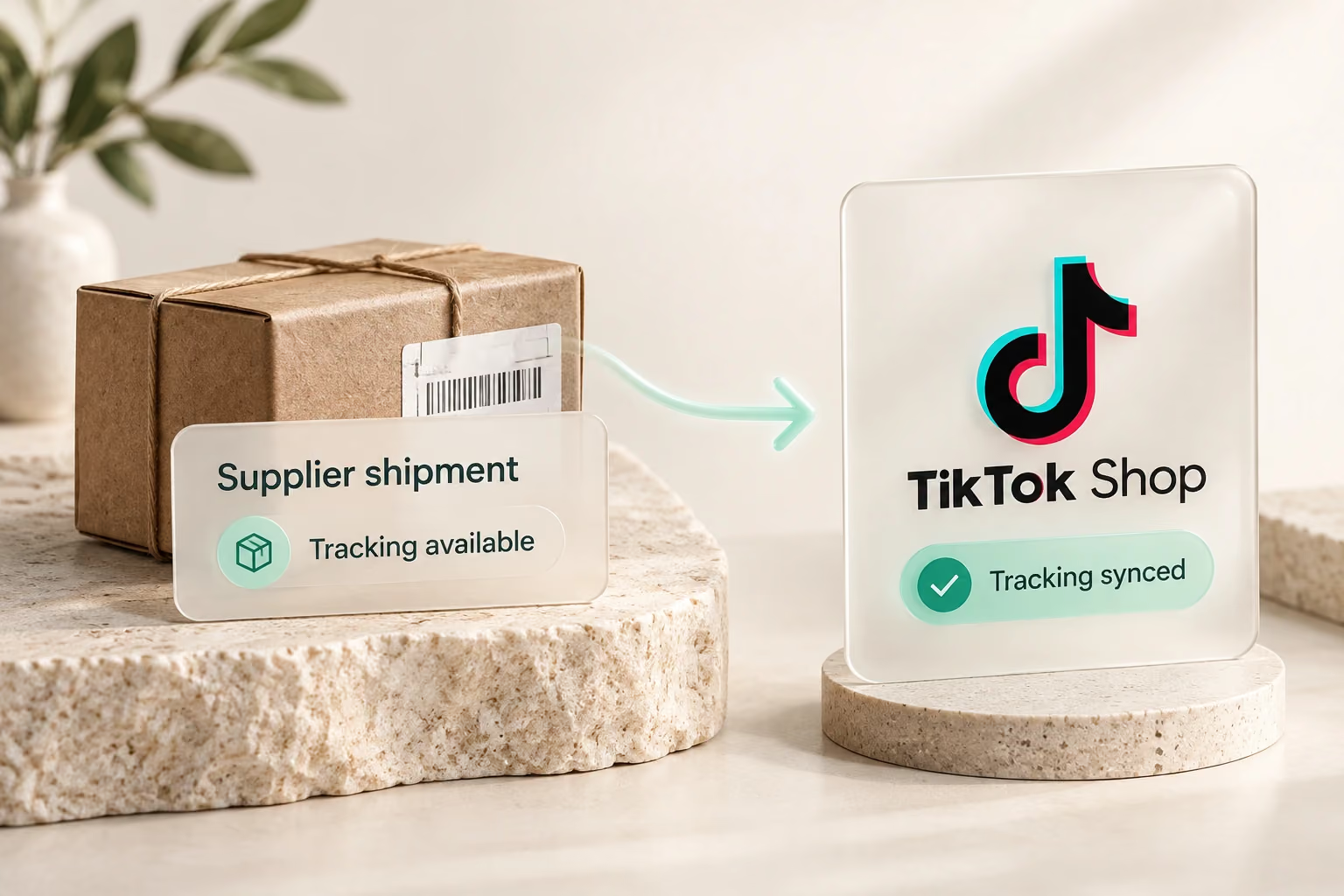
Once suppliers ship and tracking numbers become available, DSers syncs them back to TikTok Shop. This reduces the repeated copying between supplier records and your shop as orders move into delivery.

Your team can spend less time transferring shipment details and more time following up on orders that need attention. Tracking synchronization passes on shipping information; delivery still depends on the supplier and carrier.

Supplier shipment tracking information syncs to TikTok Shop.

04 / Regions

Regions: Bring Your Shops into One Workspace

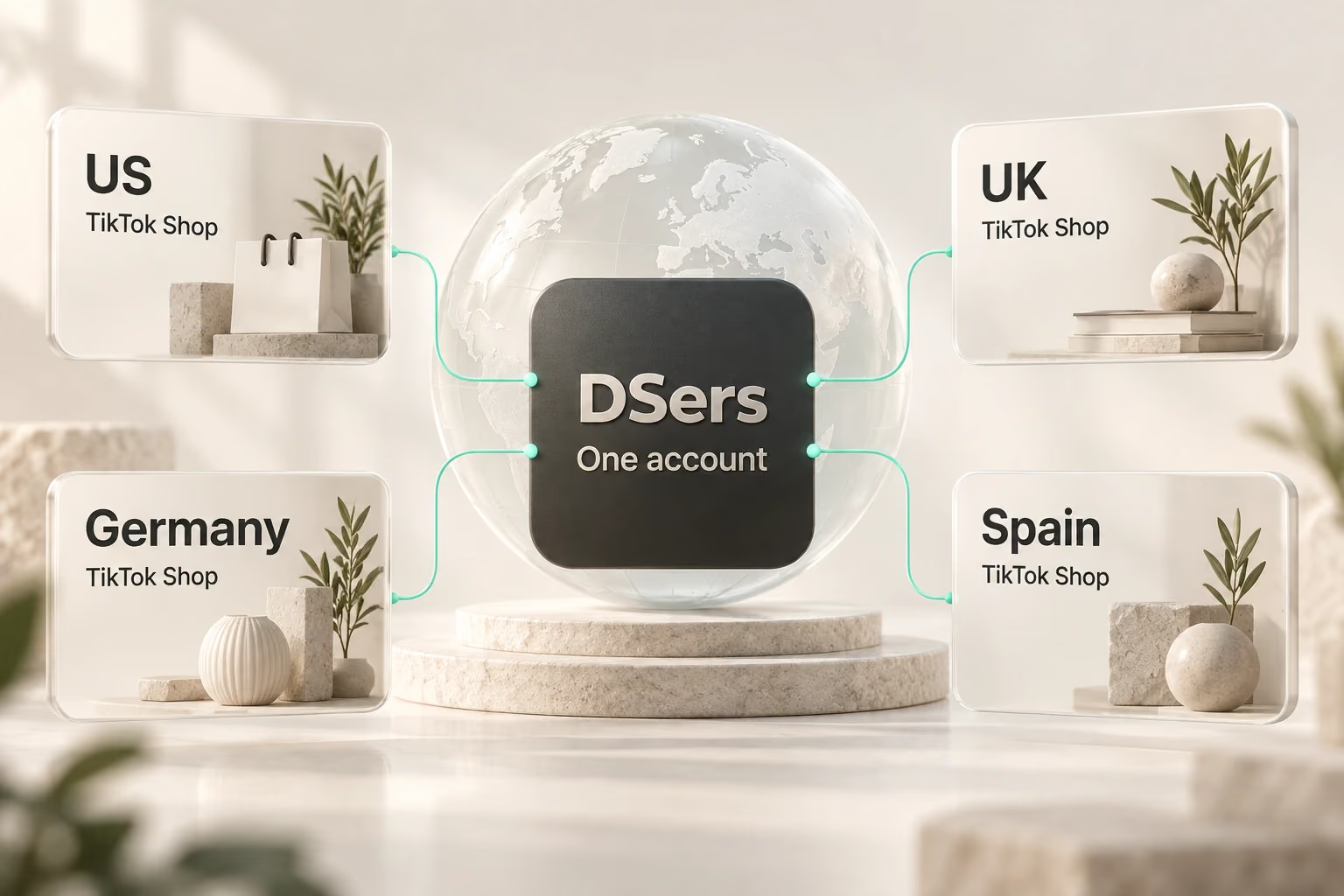
Manage supported TikTok Shops from one DSers account, with products and orders organized by store. This is useful when you add another shop or serve more than one supported market: you can keep a shared operating routine while viewing the work for each store.

DSers supports TikTok Shop connections in the US, UK, Germany, and Spain. Store type eligibility varies by region.

TikTok Shops in four supported regions connect to one DSers account.

Less Re-entry Between Selling and Fulfillment

Managing Orders Manually

Without an integration, you need to copy TikTok Shop order details when placing supplier orders, then add tracking numbers back to your shop after shipment. As orders grow, these repeated updates take more time.

Managing Orders with DSers

DSers syncs TikTok Shop orders so you can place supplier orders in batches. Once suppliers ship and tracking numbers become available, DSers syncs them back to your shop, reducing manual updates as you handle more orders.

Get Started

How Your Shop and Suppliers Stay Connected

The workflow starts with a product linked to its supplier variant. Customer orders arrive from TikTok Shop, and DSers uses that connection to support supplier order processing. After the supplier order is placed and paid, the supplier ships the package. Available tracking information then flows back through DSers to your shop.

That division of work matters when content starts generating sales: TikTok Shop captures the purchase, DSers connects the order information, and your supplier fulfills the physical order. You oversee product choices, supplier readiness, and customer service.

Shop order moves through supplier mapping, order placement and payment, then shipment; tracking returns to the shop.

Connect Your TikTok Shop in Five Steps

Before starting, have an active TikTok Shop seller account in a supported region. Your shop must not already be linked to another DSers account.

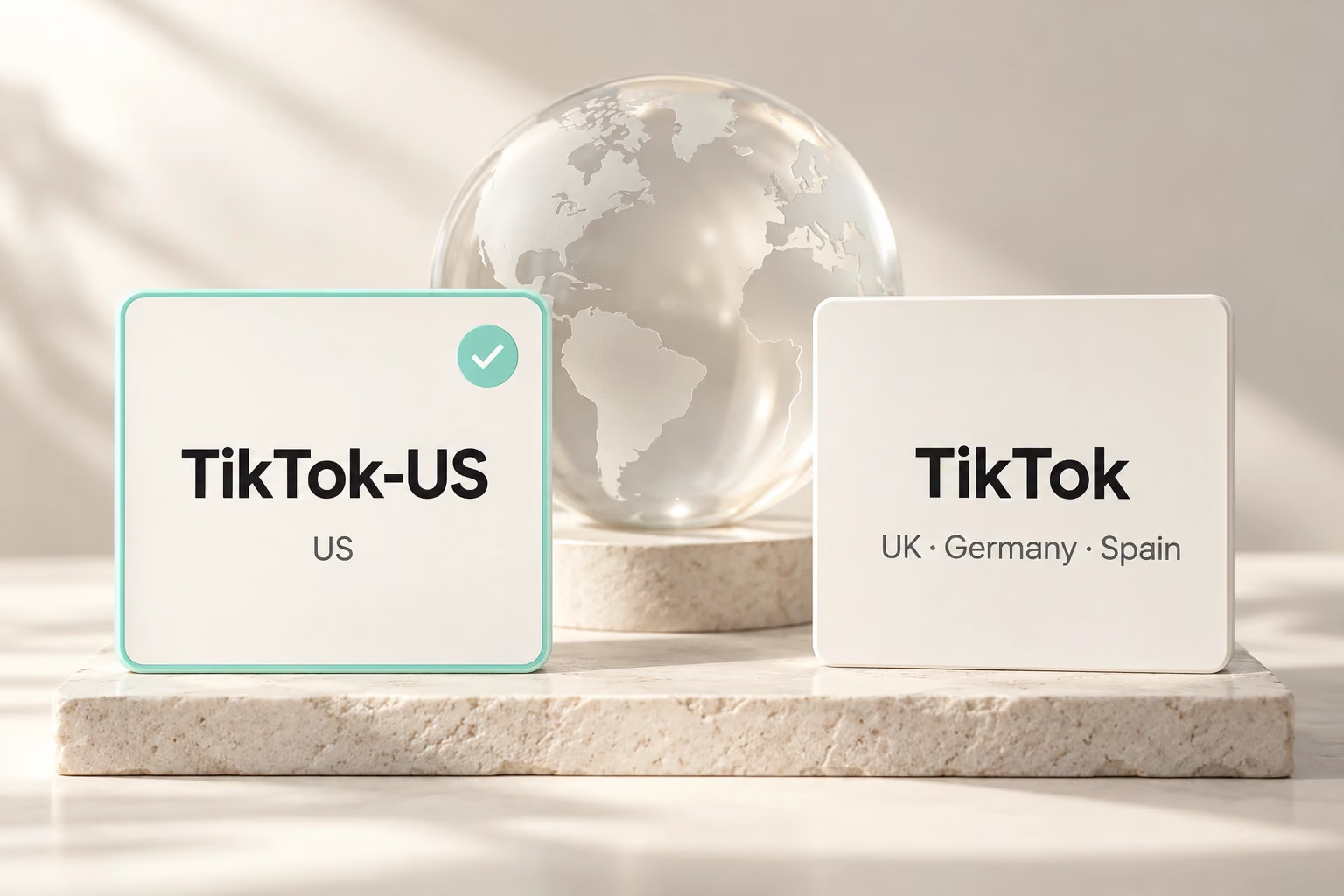
  1. Choose the regional TikTok connection in DSers.

    Choose your regional connection

    Sign in to DSers and select TikTok-US for a US shop, or TikTok for a supported UK, German, or Spanish shop.

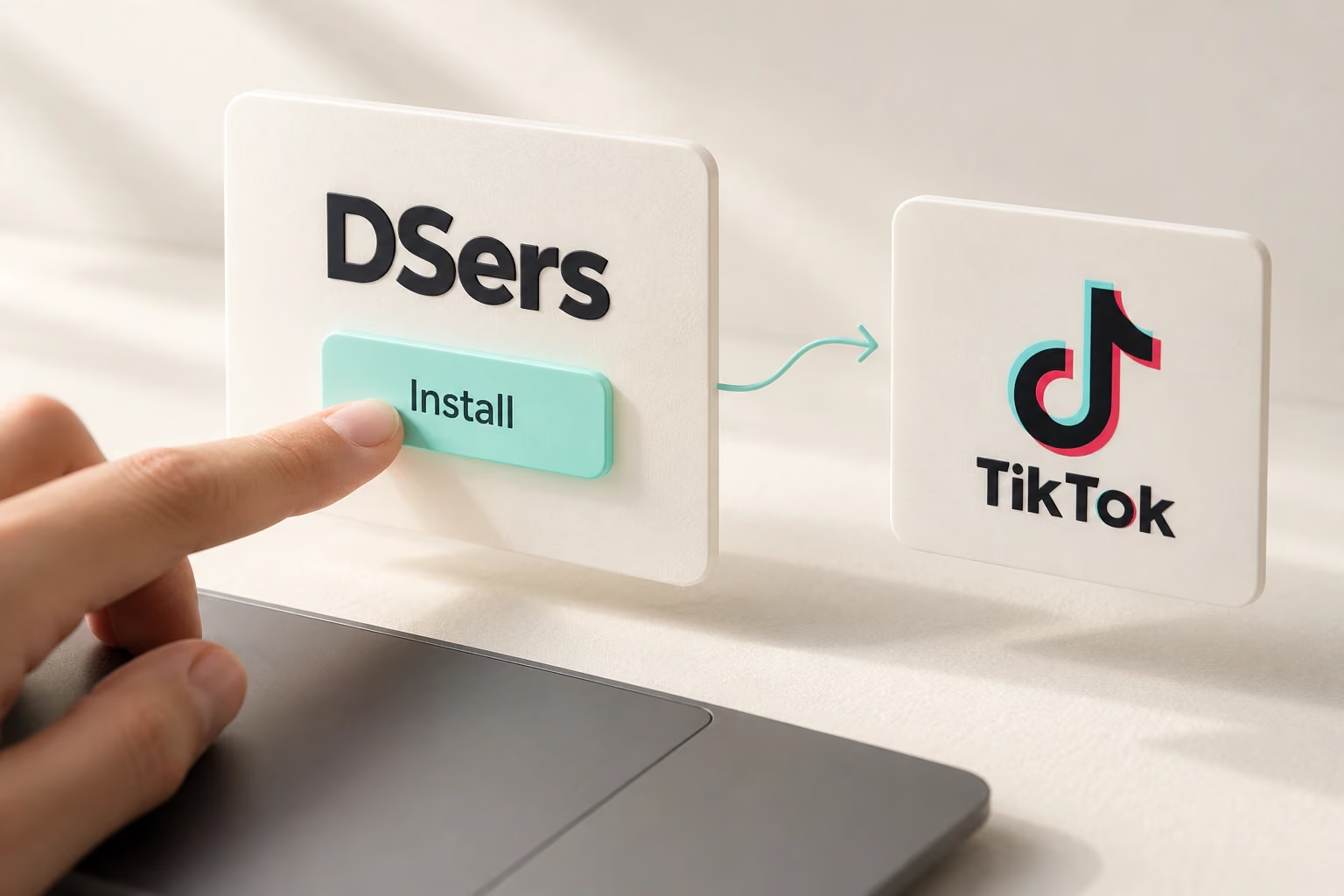
  2. Install DSers to continue to TikTok authorization.

    Start the installation

    Select Install to continue to TikTok. Follow the country selection prompt where required for your regional connection.

  3. Sign in with the intended TikTok Shop seller account.

    Sign in to your shop

    Use the seller account for the shop you want to connect, so authorization applies to the right business.

  4. Review permissions and authorize DSers access.

    Authorize DSers

    Review the requested permissions and approve access to connect your TikTok Shop with DSers.

  5. Return to DSers and update the connected TikTok Shop.

    Sync your connected shop

    Return to DSers and select Update to sync the store. Then connect a supplier account when you are ready.

Read the TikTok Shop connection guide

Less Order Work. More Time to Create.

Process orders in bulk and sync tracking with DSers.

Get Started

FAQ

Do I need Shopify to connect TikTok Shop to DSers?

No. You can authorize an eligible TikTok Shop directly through DSers or install DSers from TikTok Shop. A separate Shopify store is not required for this connection.

Which TikTok Shop regions does DSers support?

DSers supports US local and cross-border shops, plus local shops in the UK, Germany, and Spain. Choose the regional connection that matches your shop.

Can I manage multiple TikTok Shops with DSers?

Yes. Multiple supported shops can share one DSers account. Each TikTok Shop can connect to only one DSers account.

Does DSers only work with AliExpress suppliers?

No. DSers also offers Alibaba.com, 1688, and agent sourcing connections. Supplier account setup and order processing vary by channel, so choose the workflow that fits your products and fulfillment needs.

Does connecting DSers automate every task?

No. DSers automates supported data transfers and offers bulk order processing. You still choose products and suppliers, complete required payments, and manage customer service and order exceptions.